PDF Q&A Online: Ask Questions About Any PDF in Your Browser and Get Better Answers Faster
Yes — you can use PDF Q&A online to upload a document in your browser, ask direct questions, and get focused answers without installing a heavyweight desktop editor.
The best results come from starting with a readable PDF, asking one overview question first, narrowing into follow-ups, and running OCR on scanned files before you trust the answers.
That is why this workflow keeps showing up in real work. People are not searching for it because they want a clever interface. They are searching because a contract, proposal, report, research paper, policy, handbook, or scanned packet landed in front of them and they need usable answers faster than manual reading allows. Good online PDF Q&A turns a long file into something you can question, audit, and act on from almost any device.
Fastest practical path: open LifetimePDF's PDF Q&A tool in your browser, ask for an overview first, then drill into deadlines, obligations, risks, exceptions, or exact wording.
Short version first? Jump to Quick start: use PDF Q&A online in a few minutes.
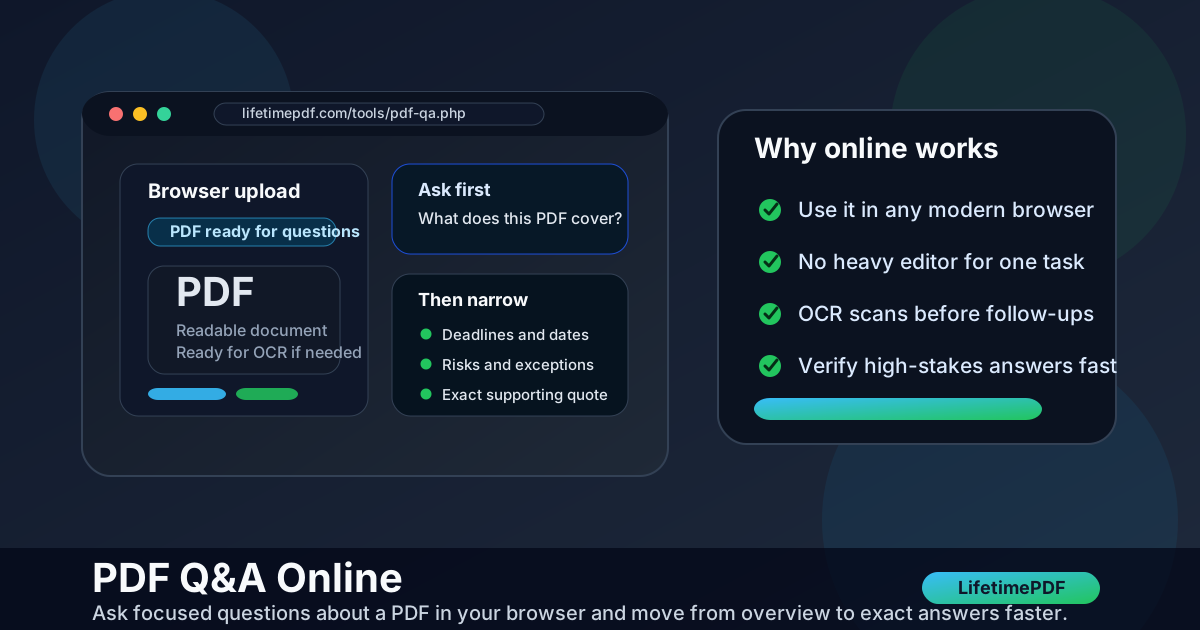
Table of contents
- Quick start: use PDF Q&A online in a few minutes
- Why use PDF Q&A online instead of digging through the file manually
- Step-by-step: the best browser-based PDF Q&A workflow
- How to ask better questions and get better answers
- Best use cases for PDF Q&A online
- What changes when the PDF is scanned or messy
- How to verify important answers quickly
- Privacy and safer online document handling
- Related LifetimePDF tools and guides
- FAQ (People Also Ask)
Quick start: use PDF Q&A online in a few minutes
If your PDF already contains selectable text, this is the fastest dependable workflow:
- Open PDF Q&A in your browser.
- Upload the cleanest version of the file you have.
- Ask one broad question first, such as What is this document about? or Summarize this PDF in 8 bullet points.
- Follow with narrow questions like What deadlines matter?, List the approval steps., or Quote the cancellation clause.
- Verify any answer involving dates, totals, legal language, or technical instructions before you rely on it.
Why use PDF Q&A online instead of digging through the file manually
The biggest benefit is not novelty. It is speed with direction. Manual reading often fails because you do not know where to look first. PDF Q&A online gives you a way to interrogate the document in the same browser session where you already opened it, which is especially useful when the real task is not “read everything” but “find what matters now.”
| What you need | Why online PDF Q&A helps | Good first question |
|---|---|---|
| Fast orientation | It turns a long PDF into a short explanation before you chase details | What is this document mostly about? |
| Key dates, obligations, or risks | It narrows your reading to the parts that influence decisions | List all deadlines, obligations, and exceptions |
| Plain-English explanation | It helps translate dense or technical wording into something easier to review | Explain section 5 in simpler language |
| Exact support | It lets you ask for quotes, clauses, or section references instead of vague summaries | What exact wording supports that answer? |
It also fits the reality of how people actually work. A browser-based workflow is easier when the PDF came from email, cloud storage, a portal download, or a phone scan and you do not want to install a giant editor just to ask a few good questions.
Step-by-step: the best browser-based PDF Q&A workflow
The interface is simple. The quality comes from the order of operations.
1) Start with the cleanest input you have
A direct export usually performs better than a photographed page or a scan that has been printed, rescanned, and merged several times. If only one chapter, appendix, or clause group matters, isolate it first with Extract Pages so the questions stay focused.
2) Ask one orientation question before you ask tiny questions
Jumping straight into edge cases creates worse answers because the tool has not yet framed the document. Start with an overview request, then narrow down.
3) Move from overview to job-specific prompts
Once you understand the document shape, ask for the exact information you would otherwise be hunting for manually: deadlines, approval paths, fees, exclusions, definitions, action items, or supporting quotes.
4) Ask for output in a useful format
Bullet lists, checklists, risk summaries, action items, and quoted evidence are usually more useful than one long block of prose. The better you define the output you want, the more practical the answer becomes.
5) Verify only the parts that matter
Online PDF Q&A is not about replacing judgment. It is about shrinking the amount of manual review you need to do. Let it narrow the document, then confirm the high-stakes details in the source.
Best default sequence: upload a readable PDF → ask for a short overview → ask targeted follow-ups → request supporting quotes → verify the important parts.
How to ask better questions and get better answers
Better prompts usually beat more prompts. If the question is vague, the answer will often stay vague too.
Start with a job, not just a topic
- Weak: Tell me about this PDF.
- Better: Summarize this PDF for a manager who needs deadlines, risks, and next actions.
Prompt patterns that work well online
- Overview: What is this PDF about, and who is it for?
- Summary: Summarize this PDF in 8 bullet points.
- Extraction: List all dates, fees, penalties, approvals, and renewal terms.
- Explanation: Explain section 4 in plain English.
- Checklist: Turn this document into a step-by-step checklist.
- Verification: Quote the exact wording that supports that answer.
Use follow-ups instead of restarting from scratch
If the answer is too broad, narrow it. If it is too narrow, ask for context. If it sounds plausible but you want evidence, ask for the line, clause, or section that supports it. That conversational narrowing is where PDF Q&A online becomes much more useful than simple search.
Best use cases for PDF Q&A online
This workflow is strongest when your bottleneck is understanding, not editing. It works especially well for:
- Contracts and proposals where you need deadlines, approvals, payment terms, or exceptions quickly
- Policies and handbooks where the document is long but the real question is narrow
- Reports and research PDFs where you want key findings, risks, methods, or recommended actions
- Vendor and client documents where you need a practical summary before a meeting or reply
- Manuals and SOPs where the useful question is usually “what do I do next?” rather than “what does every page say?”
| Document type | Best first move | Good follow-up |
|---|---|---|
| Contract | Ask for main obligations and renewal terms | Quote the cancellation clause and notice period |
| Proposal | Ask for scope, deliverables, and deadlines | List pricing assumptions and exclusions |
| Policy | Ask for rules, exceptions, and approval paths | Turn the policy into a checklist |
| Research PDF | Ask for the main claim, method, and limitations | List the findings that matter for a decision |
What changes when the PDF is scanned or messy
Scanned PDFs are where many people think online Q&A breaks. Usually the tool is fine. The problem is that the file does not yet contain clean machine-readable text.
Signs the file needs prep first
- You cannot select or search the text.
- The pages are sideways, shadowed, blurry, or full of scanner borders.
- Copying text produces gibberish or nothing at all.
Better workflow for scanned PDFs
- Fix orientation with Rotate PDF if needed.
- Trim ugly borders or wasted space with Crop PDF.
- Run OCR PDF so the document becomes searchable.
- Then move into PDF Q&A for better answers.
Messy scan? OCR first and save yourself from weaker answers later.
How to verify important answers quickly
Verification does not mean rereading the entire file. It means checking the small number of details that can actually cause trouble.
- Ask for supporting quotes when the wording matters.
- Check dates and totals directly in the PDF.
- Review exceptions and carve-outs because those often change the real meaning.
- Keep the original source file so you can compare the answer against the document at any time.
- Use Compare PDFs if you need to check a revised version against an earlier one.
The useful standard is simple: let PDF Q&A online do the first-pass reading, but let the source document win any final argument.
Privacy and safer online document handling
A lot of PDFs used for Q&A are more sensitive than they first appear. Contracts, HR packets, bank statements, proposal decks, school documents, and internal policies often contain details that do not need to travel further than necessary.
- Upload only the relevant pages using Extract Pages when only part of the file matters.
- Redact visible secrets first with Redact PDF if names, IDs, account numbers, addresses, or signatures should not remain visible.
- Protect the final share copy with PDF Protect when the remaining content still needs controlled access.
- Keep a cleaner working copy instead of sending the exact file you used for exploration onward without review.
Related LifetimePDF tools and guides
PDF Q&A online works best when it sits inside a broader PDF workflow instead of trying to do every job by itself.
- PDF Q&A - ask direct questions and refine answers from the document itself
- PDF Summarizer - get a broad overview before deeper questioning
- OCR PDF - prepare scanned files for searchable browser-based analysis
- Extract Pages - isolate only the relevant section before you ask questions
- PDF to Text - pull out raw wording when you need the exact text outside the PDF
- Redact PDF - remove visible secrets before wider sharing
- PDF Protect - add access control after you finish the content cleanup
Related guides worth reading
- PDF Q&A
- PDF Q&A Online Free
- PDF Q&A Online Without Monthly Fees
- Ask Questions About a PDF Online
- Chat with PDF Online
- OCR PDF
Bottom line: use PDF Q&A online when you need answers fast, not just file access. Start broad, narrow the questions, OCR messy scans, and verify the few details that carry real risk.
FAQ (People Also Ask)
How do I use PDF Q&A online?
Open an online PDF Q&A tool in your browser, upload the PDF, ask one overview question first, then follow with focused prompts for the exact information you need. If the file is scanned, run OCR before you trust the answers.
Can PDF Q&A online work on scanned PDFs?
Yes, but scanned PDFs usually work much better after OCR. OCR makes the document searchable so the Q&A tool can read real text instead of guessing from page images.
What should I ask a PDF Q&A tool first?
Start with a broad question that gives you orientation, such as what the document is about, what the main sections are, or a short bullet-point summary. After that, move into dates, obligations, risks, definitions, or exact quotes.
Is PDF Q&A online better than a PDF summarizer?
They solve different problems. PDF Q&A is better when you want direct answers or follow-up questions. A summarizer is better when you only need a fast broad overview of the whole file.
Do I still need to verify answers from PDF Q&A online?
Yes. PDF Q&A is a faster document-review workflow, not a substitute for judgment. Verify exact wording, numbers, dates, legal clauses, and technical instructions in the original PDF whenever the stakes are real.
Published by LifetimePDF — Pay once. Use forever.