Translate PDF to Traditional Chinese: OCR Scans First, Keep the Script Consistent, and Rebuild a Clean Final PDF
To translate a PDF to Traditional Chinese, upload a text-based PDF to LifetimePDF's Translate PDF tool, choose Traditional Chinese, then review names, dates, headings, and script consistency before you export or rebuild the final file.
If the PDF is scanned, run OCR first; that is usually the difference between clean Traditional Chinese output and a frustrating cleanup job.
Most people searching for this are not trying to solve a language theory problem. They need to understand a contract, localize a product sheet, review supplier paperwork, translate school or government forms, or prepare a readable file for people who expect Traditional Chinese rather than generic Chinese or Simplified Chinese. The practical win usually comes from using the right order: readable source text first, the correct script second, then a short review for names, numbers, terminology, and layout before the final PDF goes out.
Fastest practical path: translate clean text PDFs directly, OCR scanned files first, choose Traditional Chinese deliberately, then rebuild the final PDF only if the output needs cleaner formatting or safer sharing.
In a hurry? Jump to the quick answer and workflow.
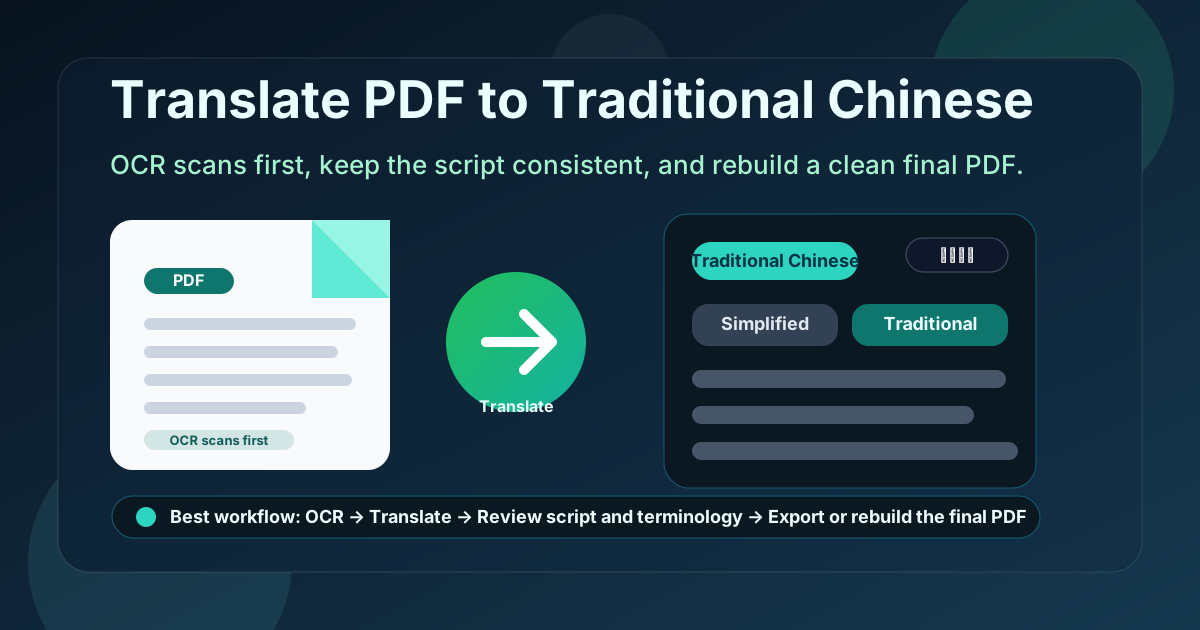
Table of contents
- Quick answer: the cleanest way to translate PDF to Traditional Chinese
- Why Traditional Chinese is not the same as generic “Chinese”
- Traditional vs Simplified Chinese: choose the audience first
- Scanned PDFs: why OCR comes first
- Step-by-step: translate a PDF to Traditional Chinese with LifetimePDF
- What to review before you trust the output
- When to rebuild the final Traditional Chinese PDF
- Privacy and document handling before sharing
- Related LifetimePDF tools and pages
- FAQ
Quick answer: the cleanest way to translate PDF to Traditional Chinese
If your real goal is simply translate this PDF into Traditional Chinese without wasting time, use this order:
- Open Translate PDF.
- Choose Traditional Chinese as the target language.
- Upload the PDF if the text is already selectable.
- If the file behaves like images, run OCR PDF first.
- Review names, dates, amounts, headings, and whether the output clearly stays in Traditional Chinese instead of drifting into mixed script.
- If layout matters, rebuild the translated content into a fresh PDF instead of forcing the old layout to survive automatically.
Why Traditional Chinese is not the same as generic “Chinese”
This distinction matters more than many short guides admit. In real document work, Traditional Chinese is a specific target, not just a cosmetic variant. If your PDF is headed to readers in Taiwan, Hong Kong, Macau, or any workflow that clearly expects Traditional characters, choosing the exact script early reduces cleanup later.
A broad “translate PDF to Chinese” workflow can be fine for rough comprehension. But if your audience expects Traditional Chinese, being precise helps the final document feel natural instead of merely understandable. That matters most for contracts, application forms, customer documents, manuals, school material, public-facing notices, and any file where headings and labels should look intentional from the first page to the last.
| Need | Generic Chinese target | Traditional Chinese target |
|---|---|---|
| Quick reading draft | Sometimes enough | Still fine, and usually clearer if the audience expects Traditional script |
| Customer-facing or official file | Can feel vague or mislocalized | Better when the readers expect Traditional Chinese |
| Forms, labels, and recurring terms | May need script cleanup later | Starts with the right target from the beginning |
| Final shareable PDF | Often still needs a script decision | More consistent for polished delivery |
Traditional vs Simplified Chinese: choose the audience first
A translated PDF can be technically readable and still feel wrong if the script does not match the reader. That is why Traditional Chinese versus Simplified Chinese is not a tiny formatting preference. It affects trust, readability, and whether the document feels properly localized.
Use Traditional Chinese when
- Your audience is mainly in Taiwan, Hong Kong, or Macau.
- The document belongs to a workflow that already expects Traditional script.
- You need a shareable version that will not look carelessly mixed with Simplified characters.
Use Simplified Chinese when
- Your audience is mainly in Mainland China.
- The file supports operations, support, manufacturing, or customer communication that clearly expects simplified characters.
- You already know the translated PDF is meant for a Simplified-Chinese context.
Scanned PDFs: why OCR comes first
A scanned PDF can look readable to a person and unreadable to a translation workflow. If you cannot highlight the words, search the file, or copy a sentence, the translator probably does not have real text to work with. That is why OCR matters.
OCR adds a searchable text layer so the Traditional Chinese translation is based on actual words instead of page images. It also exposes scan quality problems early: crooked pages, blur, dark margins, stamps, and low contrast can all damage the final output if they are ignored.
OCR is especially important for
- Scanned contracts, forms, and application paperwork
- Old manuals, invoices, and archived business records
- Phone-camera PDFs and office scans with uneven quality
- Files with tables, stamps, labels, or mixed English-and-Chinese content
If OCR output still looks messy, improve the source before trusting the translation. Better source text almost always means better translated output.
Step-by-step: translate a PDF to Traditional Chinese with LifetimePDF
This workflow is fast enough for everyday use and careful enough for documents that actually matter.
- Start with the best source PDF you have. Use the original export if possible. Native PDFs beat screenshots, printouts, and rescans.
- Check whether the file is searchable. If text selection works, translate directly. If it does not, OCR first.
- Open Translate PDF. Choose Traditional Chinese and upload the file.
- Read the output for meaning, not just fluency. Confirm that names, units, warnings, and instructions still say what the source intended.
- Decide whether the translated text itself is enough. For internal reading, it often is. For customer-facing or shared delivery, rebuild the final PDF cleanly if the layout needs polish.
Need the low-friction version? translate clean text PDFs directly, OCR the messy ones, and only rebuild the final PDF when you actually need a polished deliverable.
What to review before you trust the output
Translation problems rarely show up as obvious nonsense. More often, the result looks plausible while small details drift just enough to create real risk. A short review pass catches most of the important issues.
Check these items first
- Script consistency: make sure the output stays in Traditional Chinese and does not accidentally mix in Simplified characters where consistency matters.
- Names and product terms: people, companies, brands, software labels, and SKUs often should stay unchanged or only partly translated.
- Dates and numbers: confirm date order, currencies, totals, measurements, tax values, and deadlines.
- Punctuation and short labels: headings, buttons, tables, and field labels are where awkward spacing or mixed punctuation usually shows up first.
- Warnings and obligations: words like must, may, not, before, and within do real work.
You do not need to line-edit every sentence for most workflows. You need to review the lines where wrong wording would change a decision, confuse a recipient, or make the document feel unreliable.
When to rebuild the final Traditional Chinese PDF
Sometimes the translated text is the whole goal. If you just need to understand a document, brief a teammate, or check what a vendor sent, the translated output itself may be enough. But if the file will be emailed to customers, printed, submitted, or shared across teams, rebuilding the final PDF often gives a cleaner result.
Translated text alone is often enough for
- Internal review and comprehension
- Vendor communication drafts
- Early-stage localization checks
- Research, manuals, and policy reading
Rebuild the final PDF when
- The layout is brochure-style, form-heavy, or table-heavy
- The translated text wraps awkwardly and hurts readability
- The document is customer-facing or meant for formal sharing
- You need a polished Traditional Chinese deliverable, not just a readable draft
For many teams, that rebuild step is the difference between machine-translated draft and a document you can actually send with confidence.
Need a cleaner deliverable? translate first, then move the reviewed Traditional Chinese text into a fresh export instead of struggling to preserve every layout quirk from the source file.
Privacy and document handling before sharing
Translation is not only a language task. It is also a document-handling task. Contracts, employee files, supplier agreements, customer records, and financial PDFs often contain data that should not move around casually.
Before you share the translated Traditional Chinese PDF, ask whether the full original content is really necessary, whether personal data should be removed, and whether the final file should be protected. Sometimes the safest workflow is translating only the needed pages, then creating a smaller final PDF instead of passing the full source around.
- Translate only files you are allowed to process.
- Trim unnecessary pages with Extract Pages or Delete Pages.
- Remove sensitive information first with Redact PDF when needed.
- Protect the final file with PDF Protect before wider external sharing.
Related LifetimePDF tools and pages
Translating a PDF to Traditional Chinese usually works best when you combine the translation step with one or two cleanup tools:
- Translate PDF for the actual language conversion.
- OCR PDF when the source is scanned or image-only.
- Text to PDF for rebuilding a clean Traditional Chinese deliverable.
- Word to PDF when you want more editing control before export.
- HTML to PDF when you want tighter control over page structure.
- PDF Protect for safer sharing.
- Translate PDF for the broader translation workflow.
- Translate PDF to Chinese for the broader Chinese-language companion page.
- Translate PDF to Chinese Simplified if your audience expects simplified characters instead.
- Translate PDF to Traditional Chinese Online for the online-first companion article.
- Translate PDF to Traditional Chinese Without Monthly Fees for the cost-focused companion page.
- Browse all LifetimePDF articles.
Want the low-friction version? use Translate PDF for clean text files, OCR scanned PDFs first, then rebuild the final Traditional Chinese document only when formatting or external sharing actually matters.
FAQ
How do I translate a PDF to Traditional Chinese?
Upload the PDF to a translation tool, choose Traditional Chinese as the target language, and review the result before you export it. If the PDF is scanned or image-only, OCR it first so the translation is based on readable text instead of pictures.
What is the difference between Traditional Chinese and Simplified Chinese in PDF translation?
Traditional Chinese is commonly used in Taiwan, Hong Kong, and Macau, while Simplified Chinese is more common in Mainland China and many Singapore-focused workflows. Choosing the right script helps the final document feel correctly localized rather than merely understandable.
Can I translate a scanned PDF to Traditional Chinese?
Yes, but the best workflow is usually OCR first, then translation. That gives the translation engine real text to work with and usually produces much cleaner Traditional Chinese output.
Will the translated Traditional Chinese PDF keep the original layout?
Sometimes, but not perfectly. Text-heavy PDFs often stay readable, while forms, brochures, multi-column pages, and table-heavy files usually need a rebuild step if you want a polished final Traditional Chinese PDF.
What should I check before sending a translated Traditional Chinese PDF?
Recheck names, amounts, dates, script consistency, instructions, product terms, and whether the tone fits the audience. Those details matter more than perfect visual formatting.