Compress PDF for Oracle Procurement Cloud: Keep Supplier Packets, Purchase Documents, and Procurement PDFs Small Without Losing Review Detail
To compress a PDF for Oracle Procurement Cloud, upload the final file to LifetimePDF's Compress PDF tool, start with Medium compression, and keep the smaller copy only if supplier names, line items, dates, totals, signatures, and approval details still read cleanly.
For most Oracle Procurement Cloud workflows, under 2MB is a strong target for text-heavy supplier forms, purchase documents, and standard procurement PDFs, while scan-heavy sourcing packs, compliance attachments, and mixed document bundles usually work best around 2MB to 5MB after light cleanup.
Oracle Procurement Cloud files usually become heavy for ordinary reasons. A supplier packet picks up a certificate scan, a purchase-order backup, a signed form, a contract appendix, and one more exported copy of the same support document. The safest fix is usually balanced compression plus a little cleanup, not aggressive compression that makes tables, signatures, or approval context harder to review later.
Fastest path: save the final Oracle Procurement Cloud-ready PDF, run it through LifetimePDF's Compress PDF tool at Medium, then use OCR, split, or page cleanup only if the file is still heavier than the next workflow step actually needs.
Need the short version? Jump to Quick start: compress an Oracle Procurement Cloud PDF in about 2 minutes.
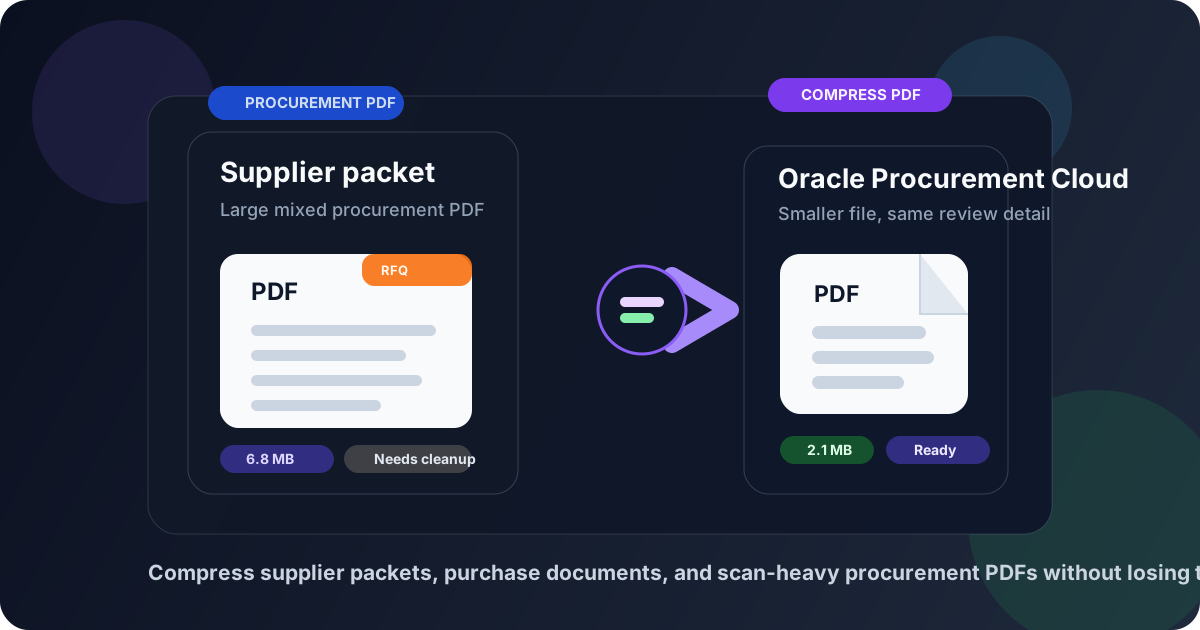
Table of contents
- Quick start: compress an Oracle Procurement Cloud PDF in about 2 minutes
- Why Oracle Procurement Cloud PDFs get bulky
- What file size should you aim for?
- Which compression level should you choose?
- Step-by-step: shrink an Oracle Procurement Cloud PDF with LifetimePDF
- Best approach for common Oracle Procurement Cloud document types
- What to clean up before compressing harder
- How to keep procurement details readable
- Workflow habits that reduce PDF bloat
- Related LifetimePDF tools and useful reading
- FAQ (People Also Ask)
Quick start: compress an Oracle Procurement Cloud PDF in about 2 minutes
If your real goal is simply make this Oracle Procurement Cloud PDF smaller so it uploads cleanly and still feels safe to review later, this workflow is usually enough:
- Start with the supplier packet, purchase document, sourcing attachment, contract PDF, invoice-support file, or compliance bundle you actually plan to use.
- Open Compress PDF.
- Upload the file and choose Medium compression first.
- Download the smaller result and compare the new size with the original.
- Preview the weak spots: supplier names, item tables, dates, totals, purchase-order references, signatures, and the faintest scanned text.
- If the file came from a scanner or phone capture, run OCR PDF so the final document is searchable as well as smaller.
- If the packet still feels bulky, use Extract Pages, Split PDF, Delete Pages, or Crop PDF before trying stronger compression.
Why Oracle Procurement Cloud PDFs get bulky
Most Oracle Procurement Cloud files do not become oversized because the core document is unusually complicated. They get heavy because one routine workflow pulls together supplier forms, purchase-order support, sourcing attachments, contracts, invoices, certificates, screenshots, signed approvals, and archived scans from different systems. Each extra export, merge, or scan adds weight that the next reviewer may not even need.
Smaller PDFs are easier to upload, faster to open, and less frustrating to reuse during supplier onboarding, purchase approvals, sourcing events, invoice matching, and audit handoff. That matters even more when the packet includes old scans, phone captures, duplicate appendices, or image-heavy support pages that quietly inflated over time. Good compression is not about making the file tiny at any cost. It is about removing avoidable weight while preserving the details that make the document trustworthy.
Why compression helps
- Faster uploads: useful when a supplier packet, sourcing file, or approval bundle needs to move now, not after another cleanup round.
- Smoother reviews: lighter PDFs open more comfortably for procurement, sourcing, finance, legal, and audit teams.
- Cleaner storage: smaller files are easier to archive, resend, and retrieve later.
- Less scan waste: paper-origin documents often carry oversized images, empty borders, shadows, or blank backsides.
- Better reuse: leaner PDFs are easier to split, OCR, compare, or extract pages from when the next workflow step appears.
What file size should you aim for?
There is no single perfect number for every Oracle Procurement Cloud workflow, so practical ranges are more useful than perfection. You want a file that uploads cleanly, opens quickly, and still looks reliable when someone is checking legal names, dates, line items, supplier details, totals, or approval notes.
| Document type | Practical target | Why it works |
|---|---|---|
| Text-heavy supplier form, purchase document, or contract PDF | < 1MB to 2MB | Usually enough for files that should stay quick to upload and easy to review |
| Sourcing packet, onboarding bundle, or mixed procurement PDF | 2MB to 4MB | Leaves room for signatures, cover pages, tables, and standard support pages without feeling bloated |
| Scan-heavy compliance bundle, invoice backup, or image-heavy support file | 3MB to 5MB | Often realistic if the smallest useful details still read clearly after OCR and cleanup |
If the file is mostly text and a few signatures, it usually should not stay large. If it does, the extra weight often comes from scans, screenshots, duplicate pages, or unrelated appendices rather than the procurement content itself.
Which compression level should you choose?
For most Oracle Procurement Cloud use cases, the safest first move is still Medium compression. It usually trims obvious file bloat while preserving table detail, supplier names, dates, signatures, and approval notes well enough for serious review.
- Low compression: best when the PDF already looks clean and you only need a modest size reduction.
- Medium compression: the best default for supplier packets, sourcing attachments, contracts, and ordinary support PDFs.
- High compression: use carefully for internal convenience copies or files that still feel too heavy after cleanup, and always review the smallest details afterward.
Step-by-step: shrink an Oracle Procurement Cloud PDF with LifetimePDF
- Save the final working copy. Export or collect the exact PDF the next reviewer needs, not every draft or appendix that passed through the workflow earlier.
- Open the compressor. Go to Compress PDF.
- Upload the file. Add the supplier packet, sourcing document, purchase-order backup, invoice-support PDF, contract file, or compliance bundle.
- Start with Medium compression. This is usually the safest balance between a smaller file and clean review detail.
- Download and preview the result. Check supplier legal names, item rows, dates, totals, approval comments, signatures, and any small reference numbers.
- Run OCR if needed. If the document came from a scan, use OCR PDF so the final version is searchable as well as smaller.
- Trim structure before compressing harder. Remove duplicate pages, crop borders, or split one oversized packet if the file still feels heavier than necessary.
Best approach for common Oracle Procurement Cloud document types
Supplier registration and onboarding packets
These often include forms, tax paperwork, declarations, certificates, bank details, and support scans in one bundle. Medium compression is usually enough, but OCR and duplicate-page cleanup make a bigger difference than aggressive compression when the packet comes from mixed sources.
Sourcing attachments and bid support
Be careful with line items, quantities, dates, notes, and shaded table cells. If a response sheet already looks tight, use Medium compression and inspect the smallest columns after export.
Purchase documents and invoice support
These files need totals, vendor names, purchase-order references, dates, and approval markers to stay clear. Compression usually works well, but only if you check the details people actually use to reconcile the document later.
Compliance records and scanned support bundles
Scan-heavy PDFs benefit from OCR, cropping, and blank-page removal before you try a stronger compression setting. The goal is not just to reduce size, but to keep certificate numbers, dates, issuing bodies, stamps, and signatures legible.
What to clean up before compressing harder
If the first pass still leaves the PDF larger than you want, clean the packet before you push compression more aggressively. That usually protects important procurement detail better.
- Delete duplicate pages: repeated scans and saved-again appendices add bulk fast.
- Crop empty scan borders: unnecessary white margins increase image-heavy file size.
- Extract only the needed section: not every reviewer needs the whole packet.
- Split oversized bundles: one clean sourcing PDF and one support PDF can work better than one giant file.
- Run OCR on image-only scans: searchable files are easier to trust and often easier to manage later.
How to keep procurement details readable
Before you upload the smaller copy, check the details that would actually matter in a review, approval, or audit handoff. One quick inspection is usually enough.
- Supplier legal names and entity details
- Dates, purchase-order references, and approval timestamps
- Line items, quantities, totals, and currency columns
- Clause text and appendix references
- Certificate numbers, registration fields, and compliance notes
- Initials, signatures, and the faintest scanned text
If any of those details look soft, step back. Try a lighter compression pass, OCR the source scan, remove duplicate baggage, or split the packet instead of forcing the whole file smaller.
Workflow habits that reduce PDF bloat
Compression works better when the document workflow is already a little cleaner. These habits help prevent heavy Oracle Procurement Cloud files from coming back again next week.
- Keep one final working copy: repeated export chains create unnecessary bulk.
- Scan once, well: a clear source scan beats repeated cleanup later.
- Merge with intent: only combine files that belong in the same handoff.
- Use OCR early for paper-origin records: searchable files are easier to work with over time.
- Trim before archiving: remove blank backsides, duplicate scans, and irrelevant appendices before the file becomes a long-term record.
Most oversized procurement PDFs are not caused by one huge image. They come from several small workflow habits stacking up. One clean final pass usually fixes more than endless recompression.
Related LifetimePDF tools and useful reading
- Compress PDF for the quickest size reduction pass.
- OCR PDF for scanned supplier and support files.
- Split PDF when one packet should become smaller handoff files.
- Extract Pages to keep only the section a reviewer actually needs.
- Delete Pages to remove duplicate or irrelevant attachments.
- Crop PDF for scan borders and oversized margins.
- Related reading: Upload Smaller Supplier and Procurement Documents Faster, Compress PDF for Oracle Procurement Cloud Without Monthly Fees, Compress PDF for Oracle Fusion Cloud ERP, Compress PDF for SAP Ariba, and Compress PDF for Zycus.
FAQ (People Also Ask)
How do I compress a PDF for Oracle Procurement Cloud?
Upload the final Oracle Procurement Cloud-ready PDF to a PDF compressor, start with Medium compression, and keep the smaller copy only after checking supplier names, item tables, dates, totals, signatures, and approval notes. For most Oracle Procurement Cloud workflows, Medium is the safest first step because it cuts file size without making procurement details harder to trust.
What file size should I aim for with Oracle Procurement Cloud PDFs?
Under 2MB is a strong target for text-heavy supplier forms, purchase documents, contracts, and standard procurement files. Mixed sourcing packets and scan-heavy compliance or support bundles often work better around 2MB to 5MB as long as the smallest useful details still read clearly.
Should I run OCR on scanned Oracle Procurement Cloud documents?
Usually yes if the file came from a scanner or phone camera and the text is not selectable. OCR makes supplier records, invoice support, sourcing attachments, and archived procurement files easier to search, review, and reuse later.
Will compression make line items or signatures blurry?
It can if you compress too aggressively. That is why Medium compression is usually the best first pass. Always review line items, dates, totals, signatures, and the faintest scanned text before keeping the smaller PDF.
What if my Oracle Procurement Cloud PDF is still too large after compression?
Delete duplicate or blank pages, crop empty scan borders, split one oversized packet into smaller PDFs, extract only the pages the next reviewer really needs, or run OCR on image-only paperwork. In many Oracle Procurement Cloud workflows, sending a cleaner packet works better than compressing the same bloated file harder.
Ready to shrink the file? Start with the final Oracle Procurement Cloud-ready PDF, use Medium compression first, and only clean up further if the packet is still heavier than it needs to be.