Compress PDF for AuthorityLabs: Keep Rank Tracking Reports, Competitor Snapshots, and Client PDFs Small Without Losing the Details
To compress a PDF for AuthorityLabs, export the finished file, upload it to LifetimePDF's Compress PDF tool, start with Medium compression, and keep the smaller copy only if keyword rows, comparison dates, screenshots, and notes still read clearly.
For most AuthorityLabs workflows, under 2MB is a strong target for short updates, while weekly rank tracking reports, competitor snapshots, and client-ready SEO decks usually sit best around 2MB to 5MB after light cleanup.
AuthorityLabs exports get heavy for the same reason most SEO PDFs do: one file starts doing too many jobs at once. It carries the client summary, the strategist's proof, the screenshot context, and the backup pages for whoever asks the second question. Good compression helps when it reduces the friction of sharing that packet without softening the details that make the ranking story believable.
Fastest path: run the finished AuthorityLabs PDF through LifetimePDF's Compress PDF tool at Medium, then do one quick readability check before you email, upload, archive, or present it.
In a hurry? Jump to Quick start: compress an AuthorityLabs PDF in under 2 minutes.
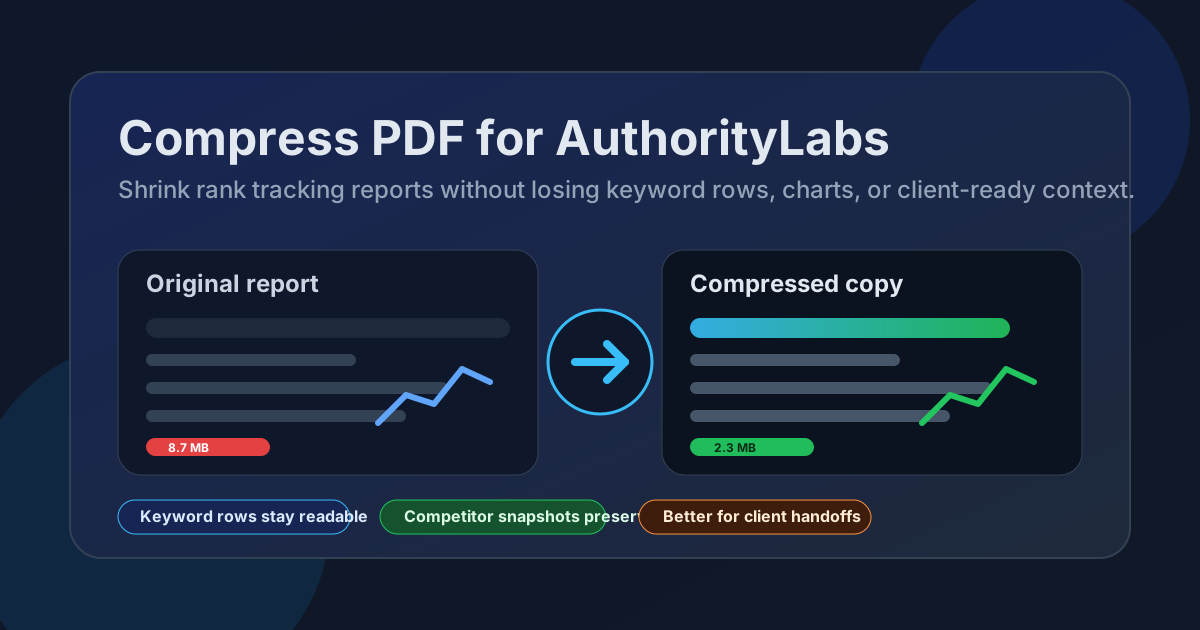
Table of contents
- Quick start: compress an AuthorityLabs PDF in under 2 minutes
- Why AuthorityLabs PDFs get bulky
- What file size should you aim for?
- Which compression level should you choose?
- Step-by-step: shrink an AuthorityLabs PDF with LifetimePDF
- Best approach for common AuthorityLabs PDF types
- What to trim before compressing harder
- How to keep rankings, labels, and screenshots readable
- Workflow habits that reduce PDF bloat
- Related LifetimePDF tools and useful reading
- FAQ (People Also Ask)
Quick start: compress an AuthorityLabs PDF in under 2 minutes
If your real goal is simply make this AuthorityLabs PDF smaller so it is easier to send and easier to open, this workflow is usually enough:
- Open Compress PDF.
- Upload the AuthorityLabs PDF you actually plan to share, such as a rank tracking report, competitor snapshot, weekly SEO recap, location comparison, or client-ready deck.
- Choose Medium compression first.
- Download the smaller copy and compare the new size with the original.
- Check the weakest details once: keyword rows, chart labels, movement arrows, dates, screenshot callouts, and notes.
- If the file is still bulky, use Split PDF, Extract Pages, or Delete Pages before forcing a stronger setting across the whole report.
Why AuthorityLabs PDFs get bulky
AuthorityLabs is useful because it turns ongoing ranking movement into something people can review without staring at the live dashboard all day. The problem starts after export. Once the report becomes a PDF, it often has to work for multiple readers at once: the stakeholder who wants the outcome, the SEO lead who wants the evidence, and the client who wants a clean snapshot without logging into another tool.
That usually means the file picks up screenshot proof, grouped keyword sections, commentary, date comparisons, branded cover pages, and appendix material. The result is not necessarily a bad document. It is just heavier than it needs to be. Compression matters because it removes some of that drag, but only if the smaller version still preserves the signals people care about.
Why smaller PDFs help
- Faster delivery: smaller files are easier to email, upload into portals, and attach to routine client updates.
- Smoother review: lighter PDFs open more quickly during meetings and on ordinary laptops.
- Cleaner archives: weekly and monthly reporting stacks accumulate fast, so smaller files stay easier to store and revisit.
- Less resend friction: compressing once is easier than rebuilding a report pack because the original felt awkwardly heavy.
- Better presentation flow: when everyone can open the same file quickly, the discussion stays on rankings and next steps instead of the attachment itself.
What file size should you aim for?
There is no perfect number for every AuthorityLabs export, but a few practical ranges keep you from compressing harder than necessary:
| Document type | Good target range | What to protect |
|---|---|---|
| Quick ranking updates or executive summaries | < 2MB | Topline movement, date ranges, and the short notes that explain what changed |
| Weekly rank tracking reports, competitor snapshots, and keyword-group reviews | 2MB to 5MB | Keyword rows, chart labels, annotations, and screenshot-backed proof |
| Long appendix packs or multi-market review bundles | 5MB+ | Readability across grouped keyword sections, backup evidence, and comparison pages |
If a PDF is already small enough for the way you use it, leave it alone. Compression is useful when the file creates friction, not because every export needs to hit some arbitrary number.
Which compression level should you choose?
Most AuthorityLabs PDFs deserve a conservative first pass. You are usually trying to preserve keyword rows, ranking changes, trend charts, dates, screenshot callouts, and whatever short commentary explains why the movement matters. That is why Medium compression is the best default most of the time.
Low compression
Choose Low when the file includes dense tables, tiny position changes, multi-column comparison pages, or screenshots where every label matters. It saves less space, but it protects the details that make the PDF useful.
Medium compression
Medium is the best place to start for most AuthorityLabs workflows. It usually cuts enough weight to make the file easier to send and store while keeping the smallest useful details readable.
High compression
Use High only when the file is still too large after a sensible cleanup pass or when the PDF is image-heavy and perfect sharpness matters less than getting a lightweight copy out the door. Always review the result carefully before replacing the original.
Step-by-step: shrink an AuthorityLabs PDF with LifetimePDF
- Choose the real file you plan to share. Start with the final rank tracking report, keyword snapshot, visibility recap, competitor comparison, or client-ready SEO deck.
- Open the compressor. Go to Compress PDF.
- Use Medium first. That is usually the safest balance between smaller size and readable ranking detail.
- Download the smaller copy. Compare the size reduction with the original so you know whether the result is actually helpful.
- Open it once before sending. Check keyword rows, date ranges, chart labels, grouped terms, screenshots, and notes.
- Only go further if needed. If the file still feels bulky, use Extract Pages, Split PDF, Delete Pages, or Crop PDF before trying stronger compression.
Best approach for common AuthorityLabs PDF types
Weekly rank tracking reports
These usually contain trend lines, movement summaries, and grouped keyword sections. Medium compression often works well, but you should always zoom in on the narrowest ranking rows once before sharing.
Competitor snapshots
Comparison-heavy exports can be more fragile because labels, dates, and small ranking changes matter. Start with medium compression, then zoom in on the smallest text before you keep the result. If anything feels soft, try low compression instead of forcing a smaller file.
Client reporting decks
Client packs grow because they combine the headline story with backup proof. This is the classic case where splitting the appendix or extracting the summary pages works better than crushing the whole file harder.
Local or device comparison exports
These can be surprisingly dense. A lighter file helps because it opens faster in meetings, but you should not trade away the details that explain why one market, device type, or keyword set moved differently from another.
Internal archive bundles
When the PDF includes exports, screenshots, and notes together, avoid aggressive compression right away. Keep the record readable first, then remove waste around it.
Useful combo: compress the main AuthorityLabs PDF first, then split out appendix pages if a client or teammate only needs the core summary.
What to trim before compressing harder
If Medium compression does not get you where you need to be, the next step is usually structural cleanup rather than brute force.
- Extract only the pages the next reader actually needs.
- Split one oversized packet into a main summary and a backup appendix.
- Delete duplicate covers, repeated screenshots, or stale comparison pages.
- Crop large margins or excess white space that add size without adding meaning.
- Clean metadata before client delivery if the file name and document info need to look more polished.
In many AuthorityLabs workflows, the biggest file-size problem is not the ranking data itself. It is one PDF trying to serve too many audiences at once.
How to keep rankings, labels, and screenshots readable
Before you replace the original file, review the parts most likely to break first:
- Keyword rows and grouped terms that become faint or harder to scan after compression
- Chart labels and legends that need to stay readable in quick presentations
- Date ranges and comparison periods that change the interpretation of a report
- Screenshot callouts and annotations that tell the reader what to notice
- Short commentary blocks that explain whether movement is good, bad, or still inconclusive
Workflow habits that reduce PDF bloat
Better exports start before compression. If you share AuthorityLabs PDFs regularly, a few habits reduce bloat automatically:
- Export only the markets, keyword groups, or date ranges the reader actually needs.
- Keep the executive summary separate from the appendix when the audiences are different.
- Use one clear screenshot instead of several almost-identical captures.
- Archive the full evidence bundle separately when only the summary needs to travel.
- Use page cleanup and metadata cleanup before wider stakeholder sharing.
That combination usually produces better PDFs than compression alone. Smaller files are helpful, but cleaner documents are what make the handoff feel professional.
Related LifetimePDF tools and useful reading
If you work with AuthorityLabs exports often, these tools and guides pair especially well with this workflow:
- Compress PDF for the main size reduction step
- Extract Pages when only part of the packet matters
- Split PDF for large report packs and appendices
- Delete Pages to remove repeats, covers, or stale backup pages
- Crop PDF for wasted margins and oversized screenshot borders
- PDF Metadata Editor for cleaner client handoffs
- Compress PDF for AuthorityLabs: Share Smaller Rank Tracking Reports, Competitor Snapshots, and Client PDFs Faster
- Compress PDF for AuthorityLabs Without Monthly Fees
- Compress PDF for Wincher
- Compress PDF for seoClarity
- Compress PDF for Scalenut
Bottom line: if the AuthorityLabs PDF needs to move quickly, start with Medium compression, keep the useful details readable, and clean the packet structure before you reach for harder compression.
FAQ (People Also Ask)
How do I compress a PDF for AuthorityLabs?
Upload the AuthorityLabs PDF to LifetimePDF's Compress PDF tool, start with Medium compression, and keep the smaller copy only if rankings, labels, dates, screenshots, and notes still read clearly.
What file size should I aim for with AuthorityLabs PDFs?
Under 2MB is a strong target for short updates and focused snapshots. Multi-page rank tracking reports, keyword-group reviews, and client PDFs usually work best around 2MB to 5MB as long as the smallest useful details still look clear.
Will compression make AuthorityLabs charts or tables blurry?
It can if you compress too aggressively. That is why Medium compression is usually the best starting point. Always review chart labels, ranking rows, date ranges, screenshot callouts, and commentary blocks before you replace the original file.
Should I split a large AuthorityLabs report instead of compressing it harder?
Often, yes. If one PDF combines an executive summary, keyword evidence, screenshot proof, competitor comparisons, and backup appendix pages for multiple audiences, splitting it usually works better than forcing stronger compression across the whole packet.
Which LifetimePDF tools help most with AuthorityLabs exports?
Compress PDF is the main starting point. Extract Pages, Split PDF, Delete Pages, Crop PDF, PDF Metadata Editor, and Compare PDFs are especially useful when you want smaller, cleaner SEO packets without sending the whole backup stack every time.
Published by LifetimePDF - Pay once. Use forever.