Compress PDF for AgencyAnalytics: Keep Client Reports, Dashboards, and KPI PDFs Easy to Send Without Losing Clarity
To compress a PDF for AgencyAnalytics, export the report, upload it to LifetimePDF's Compress PDF tool, start with Medium compression, and keep the smaller copy only if charts, rank tables, KPI tiles, dates, and notes still look clear.
For most AgencyAnalytics PDFs, under 2MB works well for short dashboard snapshots, while broader monthly reports, white-label packs, and channel summaries usually sit best around 2MB to 5MB.
AgencyAnalytics exports get heavy for a predictable reason: one PDF starts as a quick client handoff, then grows into a bundle of rankings, PPC pages, screenshots, branded covers, notes, and appendix material for several different people. The goal is not to crush all of that into the smallest possible file. The goal is to make it light enough to send and fast enough to open without making the numbers feel shaky or the report look rushed.
Fastest path: run the AgencyAnalytics PDF through LifetimePDF's Compress PDF tool on Medium, then do one quick readability check before you email, upload, or archive the smaller copy.
Need the short version? Jump to Quick start: compress an AgencyAnalytics PDF in about 2 minutes.
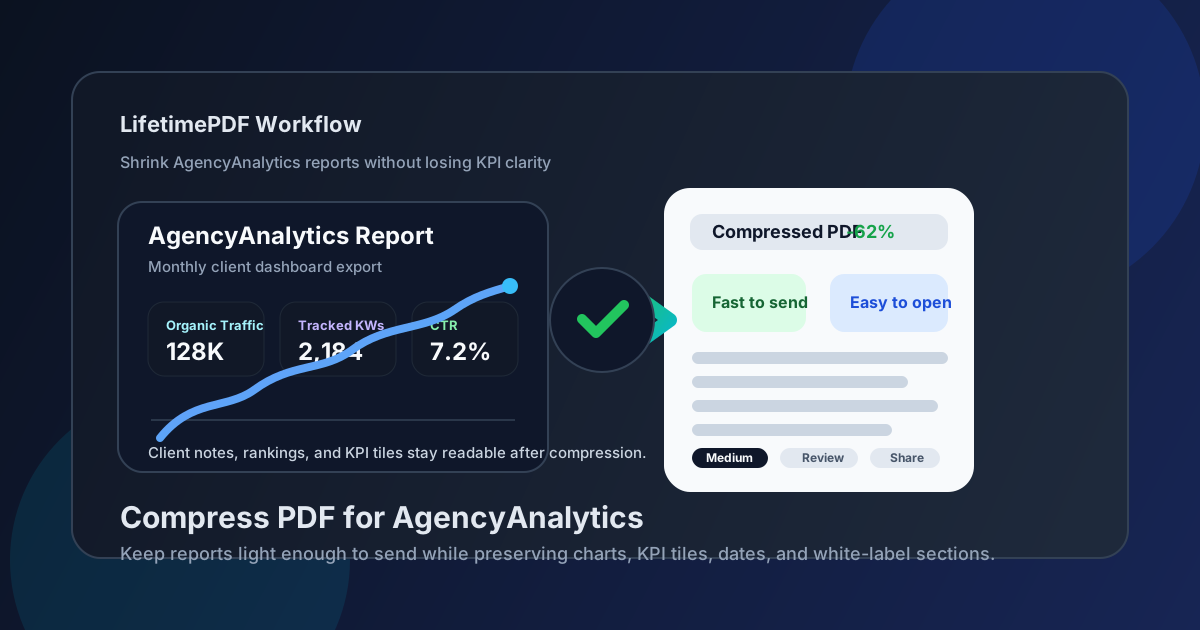
Table of contents
- Quick start: compress an AgencyAnalytics PDF in about 2 minutes
- Why AgencyAnalytics PDFs get heavy so quickly
- What file size should you aim for?
- Which compression level should you choose?
- Step-by-step: shrink an AgencyAnalytics PDF with LifetimePDF
- Best strategy for common AgencyAnalytics file types
- What if the report is still too large?
- How to check quality before you send it
- Related LifetimePDF tools and internal links
- FAQ (People Also Ask)
Quick start: compress an AgencyAnalytics PDF in about 2 minutes
If your real goal is simply make this AgencyAnalytics PDF smaller without making it annoying to read, this workflow is usually enough:
- Open Compress PDF.
- Upload the AgencyAnalytics export you actually plan to share, such as a monthly client report, dashboard snapshot, rank-tracking recap, backlink review, PPC summary, or white-label KPI pack.
- Choose Medium compression first.
- Download the smaller result and compare the new size with the original.
- Preview the weakest details: chart labels, keyword rows, KPI values, date ranges, notes, and branded section headers.
- If the file is still bulky, extract only the pages your reader needs or split appendix material into a second PDF.
Why AgencyAnalytics PDFs get heavy so quickly
AgencyAnalytics reports rarely stay small once they move from internal review to client delivery. A team starts with the executive summary, then adds ranking tables, campaign pages, branded covers, screenshots, annotations, comparison notes, and appendix proof. That can be valuable, but it also creates a heavy file long before the extra pages make the report more useful.
In practice, the bulk often comes from packaging rather than the insight itself. Repeated covers, channel sections meant for different audiences, oversized screenshots, long appendix blocks, and support pages nobody will open all add weight. Compression helps, but so does a simple editing choice: keep the PDF focused on what the next reader actually needs.
What usually needs to stay sharp
- Rank tables and keyword rows: if these blur, the report stops being dependable.
- Chart labels and legends: tiny axes and comparison dates are easy to damage with heavy compression.
- KPI tiles and totals: headline metrics need to feel obvious at a glance.
- Notes and recommendations: the context often matters as much as the data.
- White-label covers and branded headers: client-facing exports should still look polished.
What file size should you aim for?
There is no magic number for every AgencyAnalytics export, but a few practical targets keep you from compressing harder than necessary:
| PDF type | Practical target | Why it works |
|---|---|---|
| Short dashboard snapshot | Under 2MB | Light enough for email, quick review, and simple stakeholder updates. |
| Monthly client report | 2MB to 5MB | Usually preserves charts, rank tables, notes, and section headers without over-compressing the file. |
| White-label KPI pack | 2MB to 5MB | Gives enough room for scorecards, branding, and summary commentary to stay readable. |
| Screenshot-heavy appendix | Split it if possible | One massive appendix is usually a packaging problem, not a compression problem. |
If the only reason you want a smaller number is that the file feels awkward to send, a clean split is often more useful than stronger compression. A 3MB executive summary plus a separate appendix is often more practical than one 9MB everything report.
Which compression level should you choose?
For AgencyAnalytics material, the safest answer is usually Medium. It removes a good amount of weight while keeping enough definition for charts, tables, branded sections, and commentary.
| Level | Best for | Watch out for |
|---|---|---|
| Low | Already-clean PDFs that only need a small reduction | The file may stay larger than you hoped. |
| Medium | Most AgencyAnalytics reports, dashboards, and scorecards | Still review the smallest text before sending. |
| High | Last resort for oversized files after cleanup | Chart labels, keyword rows, and small KPI notes can soften too much. |
Step-by-step: shrink an AgencyAnalytics PDF with LifetimePDF
- Start with the final version. Choose the PDF you actually intend to send, not a working draft with extra sections, stale screenshots, or backup pages you already know are unnecessary.
- Open Compress PDF.
- Upload the file. This could be a dashboard snapshot, ranking recap, paid media summary, backlink report, or full monthly client packet.
- Select Medium compression. That gives you the best first-pass balance for AgencyAnalytics material.
- Download the result. Compare the new size to the original so you know whether the reduction was meaningful.
- Open the compressed copy once. Check chart labels, ranking rows, KPI values, date ranges, annotations, and the smallest useful text on the busiest page.
- Trim more only if needed. If the report still feels too large, extract key pages, split the appendix, or crop wasted margins before you try a stronger compression level.
That one final visual check prevents the most common mistake: sending a smaller file that technically opens but no longer feels dependable when someone actually reads it.
Best strategy for common AgencyAnalytics file types
| File type | What matters most | Best move |
|---|---|---|
| Monthly client report | Charts, commentary, comparison periods | Use Medium compression and verify the smallest chart labels. |
| Rank-tracking recap | Keyword rows, position changes, dates | Compress first, then split appendix material if the packet still feels heavy. |
| KPI scorecard or dashboard snapshot | Headline numbers, legends, branded layout | Protect readability with Medium compression and remove duplicate pages nobody needs. |
| Screenshot-heavy proof appendix | Legibility of embedded screenshots | Use Crop PDF or split the appendix before forcing stronger compression. |
If you are building one report for several audiences, it is usually smarter to create a lighter summary PDF plus a separate backup PDF. That keeps the main file easy to send and makes the appendix optional instead of mandatory.
What if the report is still too large?
If Medium compression did not cut enough weight, do not immediately assume the answer is stronger compression. AgencyAnalytics PDFs often shrink better when you remove waste first.
- Extract only the decision pages: use Extract Pages for the sections the next reader actually needs.
- Split one huge pack into two files: use Split PDF for executive summary versus appendix material.
- Crop wasted margins: use Crop PDF if screenshots or exported pages carry a lot of empty space.
- Remove duplicate or repeated sections: repeated covers, repeated proof pages, and stale appendix blocks add size without adding insight.
- Only then try stronger compression: once the report is clean, a second compression pass makes more sense.
How to check quality before you send it
Before you attach the compressed PDF to an email or drop it into a project folder, review the pages most likely to expose quality issues. Do not just glance at the cover. Open the busiest table page and the densest chart page.
Check these details
- Keyword positions, rank changes, and table headers
- Chart labels, legends, and comparison dates
- KPI tiles, percentages, and headline totals
- Notes, action items, and summary commentary
- Branding elements that make the export feel client-ready
If any of those feel annoying to read, the file is probably compressed too hard for its purpose. Go one step lighter or trim the report structure instead.
Related LifetimePDF tools and internal links
AgencyAnalytics PDFs are often part of a broader reporting workflow. These tools are the most useful companions:
- Compress PDF for the first size reduction pass.
- Extract Pages when only a few sections need to go out.
- Split PDF for summary-versus-appendix workflows.
- Crop PDF for trimming empty screenshot borders and wasted page space.
- PDF Metadata Editor when you want the file properties to look cleaner before delivery.
- Lifetime access if this kind of PDF cleanup shows up in your workflow all the time.
Suggested internal reading
- Compress PDF for AgencyAnalytics
- Compress PDF for AgencyAnalytics Without Monthly Fees
- Compress PDF for Whatagraph
- Compress PDF for Databox
- Compress PDF for Looker Studio
- How to Reduce PDF File Size for Email
- Compare PDF Versions Online
- Browse all LifetimePDF articles
FAQ (People Also Ask)
1) How do I compress a PDF for AgencyAnalytics?
Export the AgencyAnalytics report as a PDF, upload it to a compressor, start with Medium compression, and review the result before you send it. For most AgencyAnalytics workflows, Medium is the safest first step because it cuts size without flattening the useful details too aggressively.
2) What file size should I aim for?
Under 2MB is a good target for short dashboard snapshots or quick client summaries. Multi-page monthly reports and white-label packs often work better around 2MB to 5MB as long as the smallest useful text remains clear.
3) Will compression make AgencyAnalytics charts or rank tables blurry?
It can if you push compression too hard. Always check chart labels, rank rows, date ranges, KPI values, and notes before keeping the smaller copy.
4) Should I split the report instead of compressing it harder?
Often yes. If one PDF includes the executive summary, multiple channel sections, screenshots, and appendix pages for different audiences, splitting the pack usually protects clarity better than forcing aggressive compression across everything.
5) What should I do if the PDF is still too large after compression?
Remove duplicate pages, crop oversized margins, extract only the sections the next reader truly needs, and split heavy appendix material before you try stronger compression. In many AgencyAnalytics workflows, the real problem is over-packing the report rather than the reporting data itself.
Ready to shrink your AgencyAnalytics PDF?
Best workflow: Export or save the AgencyAnalytics PDF → Compress → Review → Split or trim if needed → Share the clean copy.
Published by LifetimePDF — Pay once. Use forever.