Convert PDF to EPUB Online Without Monthly Fees: A Better eReader Workflow Without Subscription Creep
Yes — you can convert PDF to EPUB online without monthly fees, and the best results usually come from text-based PDFs, cleaner page ranges, and OCR first for scanned files. If your real goal is easier reading on a Kindle, Kobo, Apple Books, or another small-screen device, a browser-based PDF to EPUB workflow is often the simplest way to get there without paying for yet another monthly plan.
That matters because people searching for this phrase are usually not trying to collect file formats. They are trying to make a document easier to read. Maybe it is a long manual, study packet, research paper, training guide, product documentation set, or internal report that feels cramped inside a fixed-layout PDF. This guide walks through the practical online workflow, when direct conversion works, what tends to break, how OCR fits in, and how to keep the process efficient when you want a pay-once toolset instead of subscription creep.
Fastest path: convert the PDF directly to EPUB, preview it on your reading app, and use OCR first if the source file is scanned.
In a hurry? Jump to Quick start: convert PDF to EPUB in a few minutes.
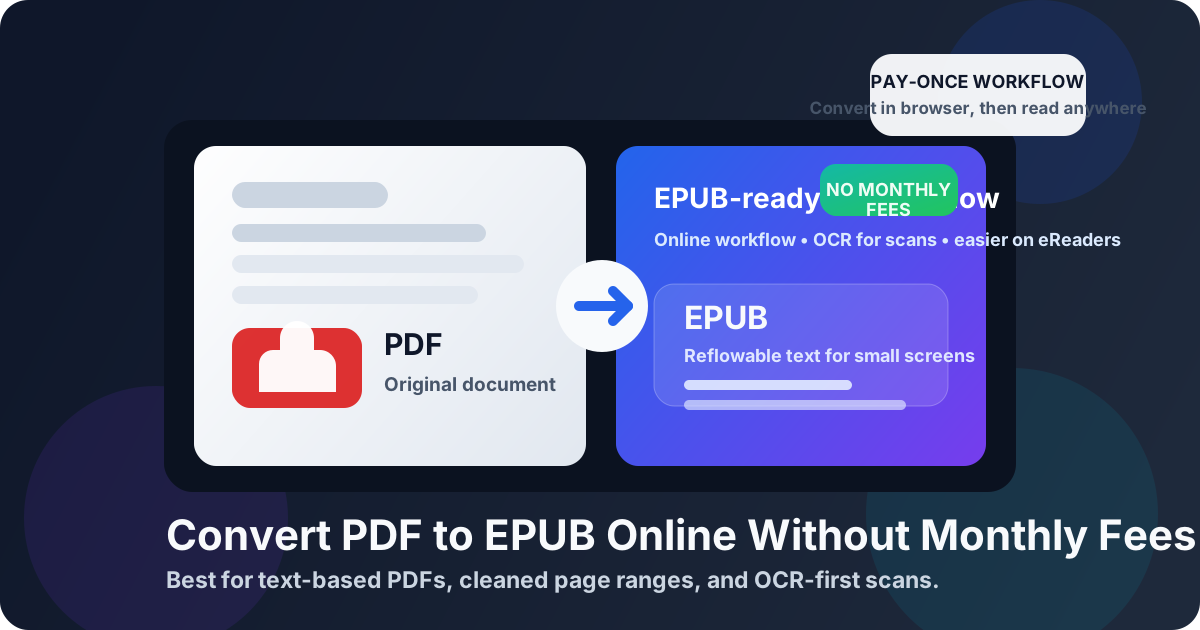
Table of contents
- Quick start: convert PDF to EPUB in a few minutes
- Why people want this online and without monthly fees
- When EPUB is the better reading format
- Step-by-step: use LifetimePDF's browser workflow
- How to improve PDF to EPUB quality before converting
- Scanned PDFs and OCR: what to do first
- Kindle, Kobo, Apple Books, and phone reading apps
- When PDF to HTML or PDF to Text is the smarter move
- Common mistakes that cause ugly EPUB output
- Related LifetimePDF tools and guides
- FAQ (People Also Ask)
Quick start: convert PDF to EPUB in a few minutes
If the PDF already contains selectable text and mostly reads like a normal document, the short workflow is simple:
- Open PDF to EPUB.
- Upload the PDF you want to read on an eReader, tablet, or phone.
- Convert and download the EPUB file.
- Preview the output in your preferred reading app and check headings, paragraphs, and images.
- If the source is scanned or image-only, go back and run OCR PDF first.
Why people want this online and without monthly fees
The keyword has two signals inside it, and both matter. Online means people want a browser workflow that works quickly without desktop setup. Without monthly fees means they do not want a simple reading-format conversion to become another recurring bill.
That is a very normal instinct. PDF to EPUB is often a task you do in bursts, not every day forever. You might need it for a few course packs this month, a stack of technical manuals next month, and then nothing for weeks. In that kind of workflow, a pay-once toolkit makes more sense than signing up for a subscription you barely touch after the first round of conversions.
| What people usually want | What actually helps |
|---|---|
| Read long PDFs comfortably on small screens | Convert to EPUB so text can reflow instead of staying locked to the page |
| A fast browser workflow | Use an online tool, then preview the result right away on a reading app |
| Better results from scanned files | Run OCR before conversion |
| A lower-cost workflow | Choose a pay-once toolkit instead of another recurring subscription |
So the real decision is not just Can I convert PDF to EPUB? It is Can I turn this into a file that is easier to read, without creating more friction or more subscriptions than the task deserves? That is the standard a good workflow should meet.
When EPUB is the better reading format
EPUB is usually the better choice when the document behaves more like a book than a poster. It shines when the content is mostly headings, paragraphs, lists, block quotes, and simple images.
PDF is great for fixed layout
PDF is excellent when page design must stay exact. That matters for contracts, forms, brochures, invoices, marketing one-pagers, and anything that depends on fixed positioning.
EPUB is better for comfortable reading
EPUB is designed for reflowable text. On a phone or eReader, that usually means less zooming, less panning, and fewer awkward line breaks. You can adjust font size, spacing, and reading theme far more easily than you can in a rigid PDF layout.
Best document types for PDF to EPUB conversion
- Manuals and guides: especially when the content is mostly text with section headings.
- Research papers and study material: easier to read on tablets and eReaders after cleanup.
- Internal documentation: policies, onboarding guides, knowledge-base exports, and training packets.
- Long articles or reports: better for focused reading than a cramped PDF viewport.
- Book-like PDFs: when the source was clearly intended for sustained reading, not exact layout review.
Step-by-step: use LifetimePDF's browser workflow
LifetimePDF's PDF to EPUB tool is the obvious starting point when the source file is already readable and structured. The goal is not to preserve every printed detail. The goal is to create a cleaner reading file.
Step 1: Decide whether the PDF is a good direct candidate
Before converting, ask a simple question: does the PDF already behave like text? If you can search inside it, highlight text, and copy a paragraph cleanly, direct conversion is much more likely to work well.
Step 2: Trim the file if it contains noise
If the document starts with a long cover section, legal notices, ad pages, repeated blank sheets, or appendix material you do not need, use Extract Pages first. A smaller, cleaner source PDF usually creates a cleaner EPUB.
Step 3: Convert the PDF to EPUB
Open PDF to EPUB, upload the file, run the conversion, and download the result. For many text-heavy documents, that is enough.
Step 4: Preview on the device where you will actually read it
Do not judge the file only from the download step. Open it in Apple Books, Kobo, a mobile reading app, or whatever device matters in your real workflow. That is where you will notice whether headings look sensible, lists survive, and paragraph flow feels natural.
Step 5: If the result is messy, fix the source instead of forcing the output
When a conversion goes wrong, the problem is often upstream. The PDF may have columns, image-only pages, repeating headers, or complicated tables. In that case, go back and clean the input, run OCR, or switch to a different starting point like PDF to HTML or PDF to Text.
Best no-subscription workflow: clean the PDF, OCR scans, convert to EPUB, then preview on the device that matters.
How to improve PDF to EPUB quality before converting
Better inputs create better outputs. If you want a cleaner EPUB, spend one minute on preparation instead of ten minutes being annoyed later.
What converts well
- Single-column text
- Clear heading hierarchy
- Simple inline images
- Normal paragraphs and lists
- Documents with searchable text already embedded
What often causes trouble
- Multi-column magazine layouts
- Heavy tables and charts
- Headers and footers repeated on every page
- Image-only scans
- Complex forms, brochures, and exact-layout marketing PDFs
Three easy upgrades before you convert
- Remove junk pages: covers, blank pages, or appendices you do not need.
- Run OCR if needed: especially when text selection fails.
- Use the cleanest source you have: a newer export usually converts better than an old scan of a printout.
This is also where the no-monthly-fee angle becomes useful. A pay-once toolkit lets you combine cleanup steps without thinking, “Do I want to keep paying just to fix this one reading packet?” You can simply do the work and move on.
Scanned PDFs and OCR: what to do first
Scanned PDFs are the biggest reason people get disappointed with EPUB conversion. The file may look readable to your eyes, but technically it is often just a stack of page images. That means the converter has less real text to work with.
How to tell the PDF is scanned
- You cannot highlight or search the text.
- Zooming in makes letters look like part of an image.
- Copy-paste gives you nothing useful or produces gibberish.
- Every page behaves like a flat picture.
The fix: OCR before EPUB conversion
Use OCR PDF first. OCR turns the visual text on the page into selectable, searchable text that the EPUB workflow can actually use. Once the document becomes text-based, the conversion usually improves a lot.
Kindle, Kobo, Apple Books, and phone reading apps
A successful conversion is not just about downloading an EPUB. It is about whether the file becomes easier to read where you actually read.
Kobo, Apple Books, and EPUB-native readers
These are the easiest destinations. EPUB is already a natural fit, so once the text flow is clean, the file usually feels far more comfortable than the source PDF.
Kindle users
Kindle workflows can involve import or conversion steps, but the main advantage still applies: a cleaned, reflowable source is usually more pleasant than pinching around a fixed-layout PDF. If your reading habit lives on a smaller e-ink screen, that difference matters.
Phone and tablet readers
This may be the biggest win of all. Many people searching for PDF to EPUB are simply trying to read long documents on mobile without constant zooming. A good EPUB removes that friction immediately.
| Reading destination | Why EPUB helps |
|---|---|
| Kobo / EPUB-native eReaders | Text reflows naturally and is easier to size for long reading sessions |
| Apple Books / tablet readers | Better font sizing, theme control, and paragraph flow |
| Phones | Less pinching and horizontal scrolling than PDF |
| Kindle-style workflows | Cleaner text is usually easier to import and read than a rigid page layout |
When PDF to HTML or PDF to Text is the smarter move
Not every PDF should go straight to EPUB. Sometimes the right move is to break the problem into smaller steps.
Use PDF to HTML when structure matters more than page appearance
If the source document has decent text but messy layout, PDF to HTML can be a cleaner bridge. HTML often gives you a more editable structure before the content enters a reading workflow.
Use PDF to Text when you need maximum cleanup
If the document is stubborn, PDF to Text can strip things back to the essentials. That is especially useful when repeated headers, footers, page numbers, or odd spacing make the direct EPUB result ugly.
Use Extract Pages when only part of the PDF deserves conversion
Sometimes the smartest EPUB is not the whole document. If only chapters 3 through 8 are useful for actual reading, export those pages and ignore the rest. You will often get a far better result.
Common mistakes that cause ugly EPUB output
Most bad EPUB results come from a few repeatable mistakes. Avoid these and the workflow gets much smoother.
Mistake 1: converting scans without OCR
This is the biggest one. If the PDF is image-only, direct conversion often produces disappointing text flow or keeps too much of the document as images.
Mistake 2: expecting perfect print-layout preservation
EPUB is not built to preserve every visual detail of a fixed-layout page. It is built to make reading easier. Judge it by reading comfort first.
Mistake 3: converting clutter you do not need
Extra cover pages, legal blocks, promotional sections, and appendices can make the EPUB feel heavier and noisier than necessary. Trim the source first.
Mistake 4: testing on desktop only
A file that looks acceptable on a big monitor may still feel awkward on a small eReader or phone. Always preview where the document will actually be read.
Mistake 5: paying a subscription for a one-off workflow
If you only need document conversion occasionally, recurring fees can become the most frustrating part of the process. A pay-once toolkit is easier to justify when the task comes in waves instead of every day.
Related LifetimePDF tools and guides
If the direct PDF to EPUB route is close but not perfect, these tools and guides usually help:
Useful tools
Ready to build a cleaner reading copy? Start with PDF to EPUB, then use OCR or page extraction only if the source needs help.
FAQ (People Also Ask)
How do I convert PDF to EPUB online without monthly fees?
Use an online PDF to EPUB converter, upload the PDF, convert it, and download the EPUB file. If the PDF is scanned, run OCR first so the converter works from real searchable text instead of page images. A pay-once workflow makes sense when you want the conversion without adding another recurring subscription.
Will PDF formatting stay exactly the same after converting to EPUB?
Usually not. Simple text-based PDFs convert more cleanly, while complex layouts, heavy tables, forms, and multi-column designs often need cleanup because EPUB is meant for reflowable reading rather than exact page preservation.
Can I convert a scanned PDF to EPUB online?
Yes, but the best workflow is OCR first, EPUB second. Without OCR, the converter may keep too much of the document as images or produce weak text output that is frustrating to read.
Is EPUB better than PDF for eReaders?
Usually yes. EPUB adapts to the screen size and reading settings much better than a fixed-layout PDF, which is why it often feels more comfortable on small screens and e-ink devices.
What should I do if my PDF to EPUB result looks messy?
Try extracting only the pages you need, removing clutter, running OCR on scans, or switching to PDF to HTML or PDF to Text first. Cleaner source content usually creates a much cleaner EPUB.